Skip to content
UWRWorld
English
Create my profile

Your player profile · Free

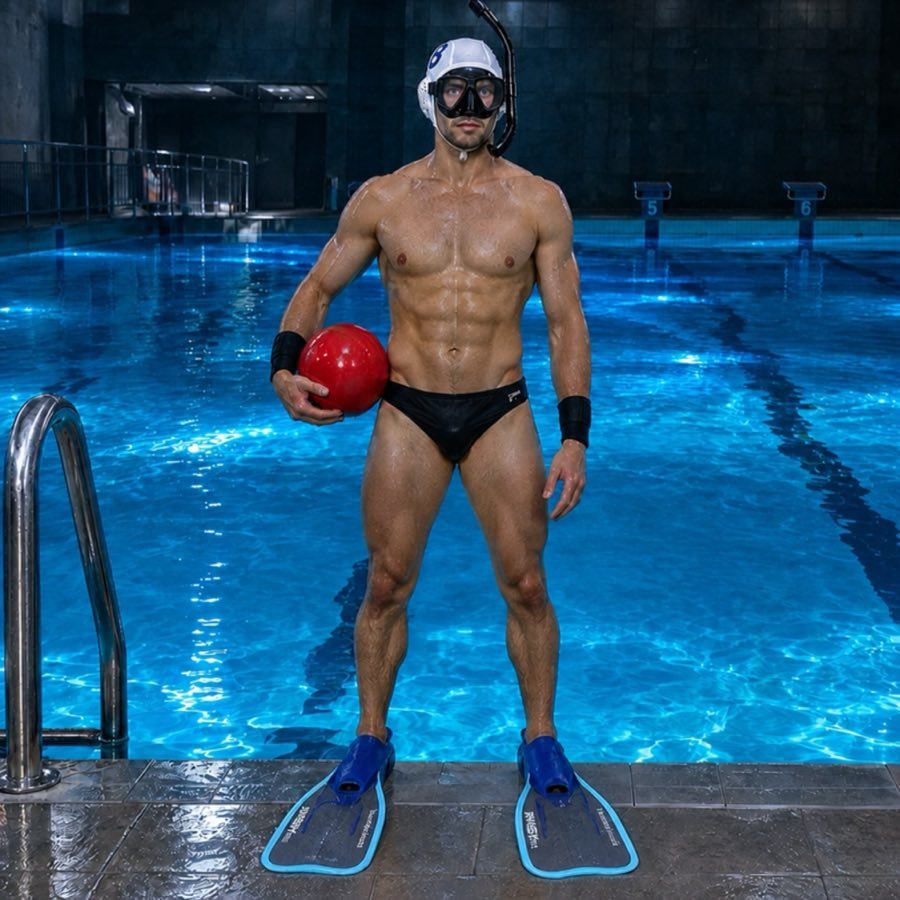
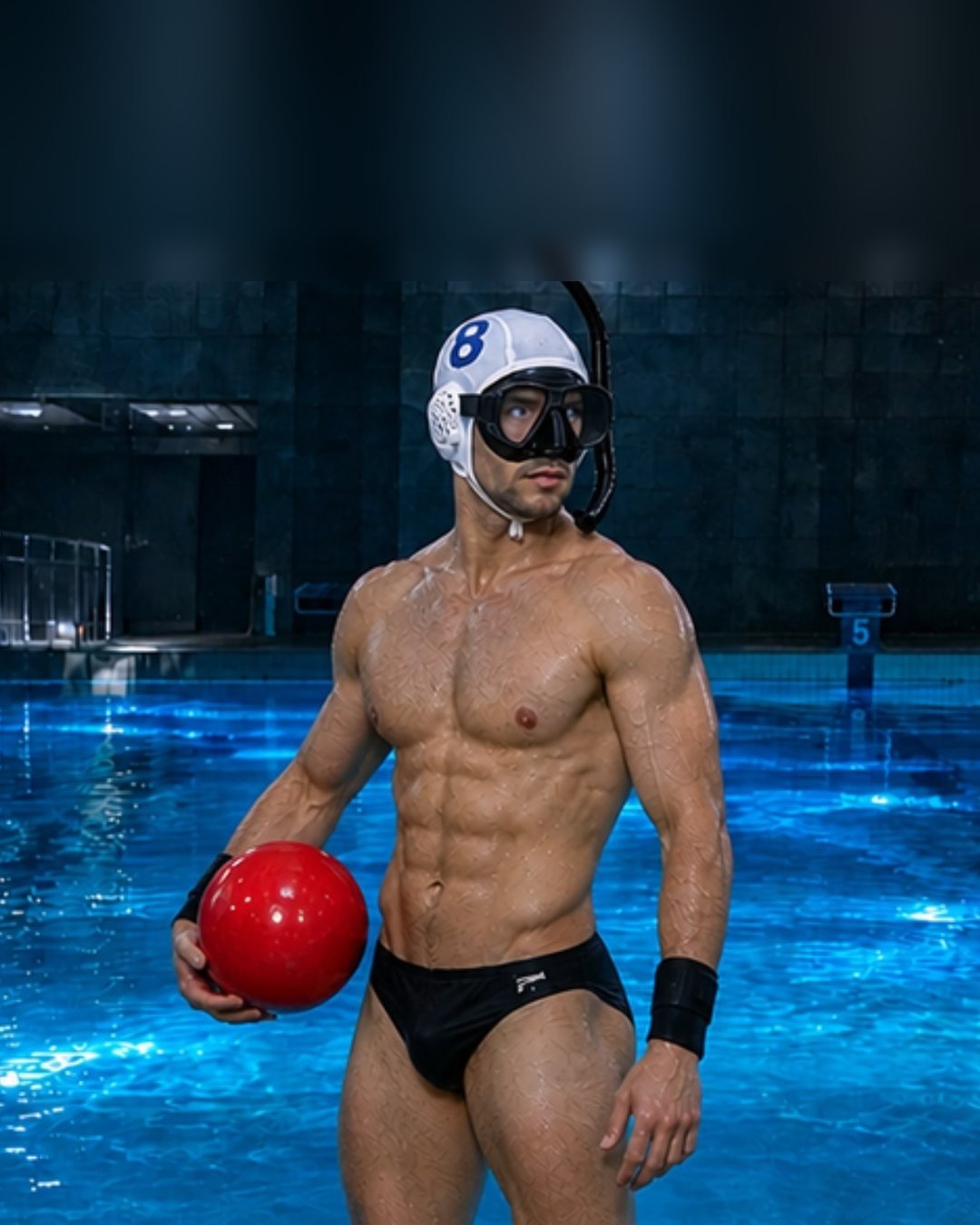
You play a sport almost nobody knows. Show it.

Your photo, your number, your club, your tournaments and your goals on one page. Connected with your club, with every tournament and with the whole underwater rugby community, and ready to share as an image in your stories.

With Google or your e-mail · one minute

  • Free for every player
  • In six languages
  • On your phone, nothing to install
  • You decide what shows
  • 200+clubs in the directory
  • 29countries
  • 250+tournaments in the calendar
  • 6languages
  • 0 €for the player

The whole map

Your profile does not stand alone: everything is connected

UWR World brings together the clubs, the tournaments, the brands and the players of underwater rugby. Your profile is your place on that map: what you do on it shows up where it belongs, and what happens at your club and your tournaments reaches you. Tap each piece to see what goes out and what comes back.

Your profile

Your club

You add
You say which club you play for today and which ones you played for before, with the years.
You get
The club confirms it is true and your profile carries the “Verified by the club” seal. You also get its call-ups for tournaments, to answer “I am going” or “I can’t”.
Where it shows
You appear in the squad on your club’s page, in its men’s or women’s team, and what you tell about your club can show there.
How to start

Four steps, a few minutes

  1. 1

    Create your account

    With your e-mail or with “Continue with Google”. Nickname, e-mail and password: one minute. Your first and last name are optional. If your club sent you its invitation link, the club is already chosen.

  2. 2

    Fill in your profile

    Photo, number, position, country, club and tournaments. The “Profile complete” bar tells you what is missing and takes you to each step.

  3. 3

    Your club confirms you

    Your club gets the request and confirms you play there. No waiting: your profile works from the first minute.

  4. 4

    Share it

    Pick a design, save the image and post it to your stories with your link. And invite your team.

Your public profile

A page of your own, part by part

This is how your profile looks at uwrworld.com/jugadores/your-nickname. Every number on the picture is explained beside it. Only what you fill in appears: what you leave empty does not show.

Colour of your profile

Try it: your club’s colours or eight bright ones. It changes the details of your profile, your portal and your images.

  1. 1

    Photo and cap number

    Your photo upright, framed by you, and your number nice and big. Any photo from your phone works, also those from Google Photos or in HEIC format.

  2. 2

    Nickname and name

    Your profile carries your nickname. If you also add your first name and surname, the nickname goes between them. And you choose what your cap says on the images: nickname, surname or first name, like on your real cap.

  3. 3

    Positions

    Goalkeeper, Defender or Forward. You tick every one you play and one as your main position. If you like, also the category you compete in, men’s or women’s.

  4. 4

    Your club, verified

    Your current club, with the ✓ once the club confirms it. Further down, your history: every club you played for, with the years.

  5. 5

    Where you are from and since when you play

    Country, city, the year you started and a sentence or two about you (up to 280 characters).

  6. 6

    Your figures

    Years playing, tournaments and goals. They add up by themselves from what you enter for each tournament.

  7. 7

    Socials and website

    Instagram, TikTok, YouTube, Facebook, X or your own site, up to eight. Paste the link or type your @username and the network is recognised by itself.

  8. 8

    Featured tournaments

    Circles like the story highlights of a profile. Those with photos have a coloured ring and open full screen, photo by photo. Upcoming ones have a dashed border and “I am going”.

  9. 9

    Tournaments and statistics

    Each tournament with its logo, the club you played for, your goals, games and assists, the team’s place, whether you were captain and your awards. Separately, your upcoming tournaments.

  10. 10

    Gallery

    The photos of your tournaments and up to twelve more from training, your club or your team, with captions. You choose which one opens the gallery.

  11. 11

    Get to know me

    Your answers to the questions you choose, your quick picks and your story with your club.

  12. 12

    Sponsored by

    The brands that back you, each one confirmed by you, by the brand and by UWR World.

  13. 13

    Gear

    What you wear in the water, piece by piece and with a photo of it all together. If you like, your wish list too: “Would like to have”.

  14. 14

    This is my sport

    The videos and photos you would use to explain your sport to a friend. It has its own link to send.

  15. 15

    What is underwater rugby?

    For those who arrive without knowing the sport: what it is, how to learn it and where the nearest club is. Your profile introduces the sport too.

01Your club

You say where you play. Your club confirms it.

Nobody else can add the seal: “Verified by the club” means your club said yes.

  • Find your club

    By name or by city, among all the clubs on the map. Tick “I play here now” or set from and until which year you played.

  • Your whole history

    Add every club you have played for. Each one answers for itself, and its answer is kept even if you remove the club and add it again.

  • You are in your club’s squad

    Once confirmed, you appear on your club’s page, in its men’s or women’s team according to your category. The club can also mark you as a coach.

  • Call-ups

    Your club calls you up for a tournament and you get an e-mail. You answer “I am going” or “I can’t”. With “I am going”, the tournament enters your profile as upcoming and your image opens, ready to share.

  • Your profile is yours

    The club confirms and calls up, but never touches your profile: you decide what appears on it.

  • Invitation link

    Every club has a link that opens the sign-up with the club already chosen. And you can invite your teammates from “Share”.

02My tournaments

Every tournament you played, with your figures

The UWR World calendar holds more than 250 tournaments, past and future. Yours are two taps away.

  • A search that starts with your country

    “Already played” or “Upcoming”, by country and by year. Every result has “View tournament”, to check it is yours before adding it.

  • Your statistics

    Goals, games, assists, whether you were captain and the team’s place. Once the tournament has its official standings, the place fills in by itself.

  • Reviewed awards

    Best player (MVP), top scorer or best goalkeeper. The UWR World team reviews them before they show on your profile.

  • “Confirmed”, without asking

    If the tournament lists your club among its teams and your club confirmed you, your entry shows as confirmed.

  • By season

    Your tournaments are sorted by year, the most recent first, and each one opens to be edited.

  • Best moments

    Up to four photos per tournament. On your profile they open like a story: full screen, one bar per photo, moving on by themselves.

  • Upcoming tournaments: “I am going”

    Sign up for the ones coming and share it so your people follow you. They do not count as played until they are over. The day after the final we write to you: “How did it go at…?”, with a direct link to add your figures.

  • Your tournament is missing?

    Add it by hand to your profile or propose it, with its logo if you have it: the UWR World team reviews it and adds it to the calendar for everyone.

03Live

When your club plays, you know

Tournaments with a live scoreboard on UWR World reach your profile by themselves: nobody to follow, nothing to set up.

  • A card on your home

    The game being played, the next one, the last result, your group with its points and, at the end, the final place. It updates by itself while the tournament lasts.

  • Every team of your club

    Men, women, mixed, U21… The one of your category first.

  • E-mails on time, in your language

    “Your club plays soon” a week before and the day before; a reminder half an hour before each game; and the result when it ends, with the group and the next game. Switch it off whenever you like in Account.

  • Three images to share

    Schedule, Result and Standings, as a story or as a post, in the six languages.

04Share your profile

Six designs for your stories and your feed

Your profile is drawn as an image on your own phone, ready for Instagram, WhatsApp or wherever you like. Try the real designs here, with the example player.

Drawing your profile…

Design

Your photo on top, your number on the diagonal, your club and your figures.

Format

Colour

Gold unlocks when your profile reaches 100%.

Photo

  • A QR code that leads to your profile

    And your link, to add on Instagram with the “Link” sticker.

  • Share, save or copy the link

    The image is made on your phone: nothing is uploaded until you share it.

  • In the language you choose

    Your image and your link’s preview come out in your profile’s language, whatever the language of whoever opens it.

05Your story

More than figures: tell who you are

Questions

17 questions, none required

Eight about you and the sport and nine about your story with your club. You answer the ones you like: the ones you leave empty do not show. And if you think of a better one, you propose it.

Quick picks to tick: “Out of the water you will find me…”, “Before underwater rugby I did…” and “In the team I am…”.

This is my sport

Explain it to a friend with one link

Gather up to eight videos and photos, in the order you like, with a sentence on each. Videos are links from YouTube, Instagram, TikTok or Vimeo; if you have none, we suggest a few.

It has its own address to send: whoever opens it sees the sport told by you.

Gallery

Your best moments, together

The photos of each tournament and up to twelve more from training, your club or your team, with captions. You upload several at once and the star marks the one that opens your gallery.

A bar shows how each upload is going: “Preparing”, “Uploading”, “Saving”.

06My gear

What you wear in the water and what you would like to wear

  • Six kinds of gear

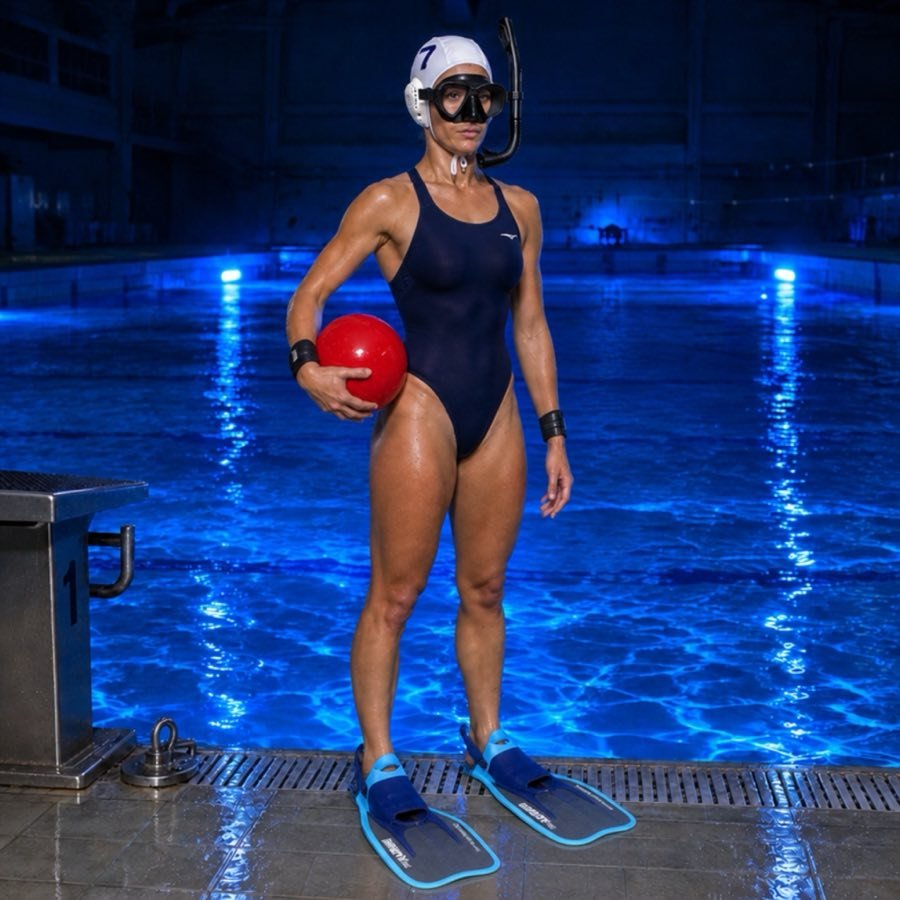
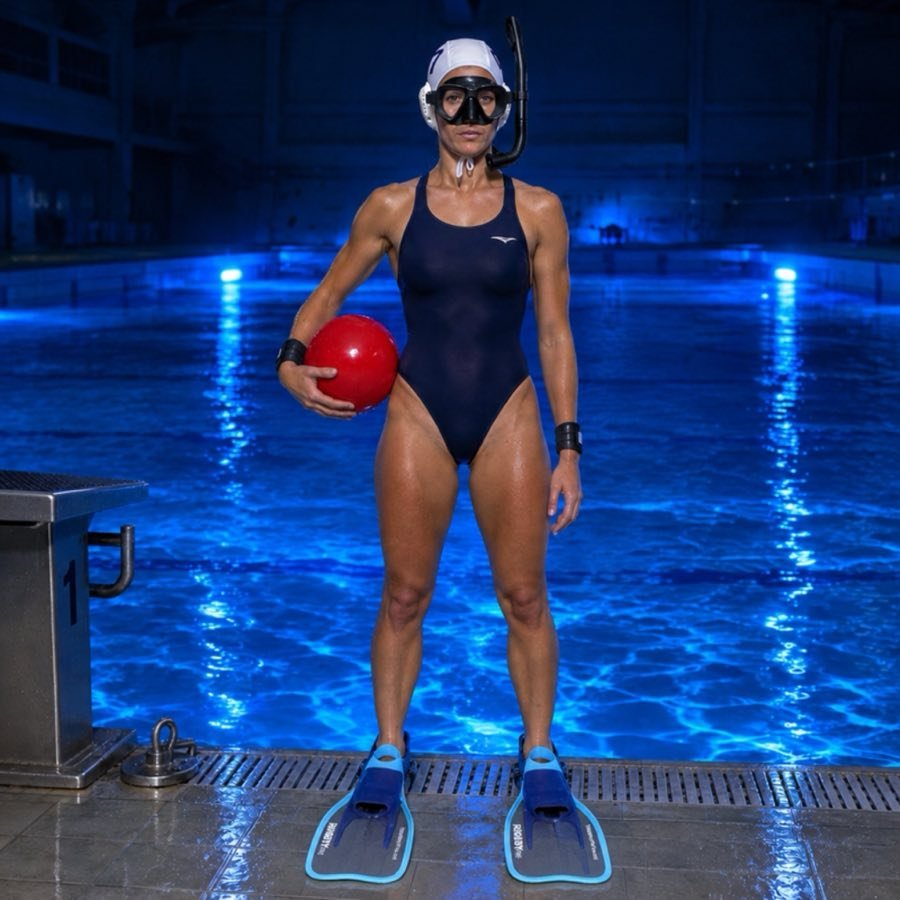
    Mask, fins, snorkel, cap, protection and swimsuit. Up to twelve pieces, with their thumbnail, and a photo of all your gear together.

  • Tap what you use

    The shop’s products come first, with their photo. Using something else? Type it as it is: we review it and add it to the catalogue for everyone.

  • Wish list

    With “I want it” you tick up to twelve things you would like to have. When you get one, “I've got it” moves it to your gear.

  • Private, unless you show it

    Only you see your wish list, unless you choose to show it on your profile. UWR World only sees how many players want each thing, never who.

  • MaskLow-Volume
  • FinsWaterWay
  • SnorkelFlex
  • CapN.º 8

07My sponsors

The brands that back you, with three yeses

A sponsorship only appears when all three parties say so. That way, what shows on your profile is true.

  1. The brand or you

    A brand on UWR World proposes to sponsor you, or you ask it from “My profile”. The other side accepts or says no.

  2. UWR World confirms it

    Once both said yes, the UWR World team reviews it and confirms it.

  3. “Sponsored by”

    It shows on your profile and on the brand’s page. You decide whether it shows and you can end it whenever you like.

08Your home

Every time you come in, something new about your sport

“My profile” is not just a form. Its home is a board with what is happening in underwater rugby, starting with what is yours.

  • News

    Live tournaments, the ones starting soon (those of your country and your own first), the results of the last two months and the new blog posts.

  • One search for everything

    Clubs, tournaments, cities or countries, in any language and with or without accents. From the result: “It is my club”, “I am going” or “I played it”.

  • Your club

    Its page, its place on the map and the call-up waiting for your answer.

  • Going on a trip?

    Pick a country and see its clubs on a small map and the tournaments coming up. There is always a pool to train in.

  • Learn

    The chapters you have read, the next one, the test and the question of the day: the same for everyone, with its explanation and the rule behind it.

  • Everything one tap away

    Four tabs: Home, My profile, Clubs and Tournaments. In “My profile”: Details, Questions, Gear, My sport, Gallery and Account, with the preview of your image beside it, changing with everything you save.

09Profile complete

From 0 to 100: eleven steps and a golden reward

A bar tells you how far you are and what the next step is. Tap them here to watch it rise. At 50% and at 100% we write to you with your profile ready to share, and at 100% the gold design unlocks.

  • 50 %Milestone e-mail: your profile is halfway
  • 100 %Milestone e-mail: profile complete
  • GoldUnlocks with a 100% profile

10You are in charge

Your profile, your data, your rules

  • Free

    The profile is free for every player. No trial period and no card.

  • Hide it whenever you like

    With one switch your profile stops showing on the site and in your club’s squad. Only you see it. Another one decides whether it shows up on Google.

  • Delete it whenever you like

    “Delete my account” removes your profile, your photos and your account. If you have orders in the shop, the profile is deleted and the shop account is kept.

  • You choose the e-mails

    Three switches: “Updates about my profile”, “My club’s games” and “News from UWR World”. The last one is off until you turn it on.

  • One account

    The same e-mail and password for your profile and for the shop. Or sign in with Google, with no new password.

  • Six languages

    Spanish, English, German, French, Italian and Turkish. Your profile is shown in the language of whoever visits it.

  • Made for the phone

    It works in the browser, nothing to install. Photos upload from any phone: large ones, HEIC or from Google Photos.

  • For now, 18 and over

    For the moment profiles are for adults only. When you create yours you accept the terms and the privacy policy, which you can read first.

FAQ

Frequently asked questions

Does it cost anything?

No. The player profile is free, with everything you see on this page.

Do I have to install an app?

No. Everything works in the browser of your phone or your computer, at uwrworld.com.

Who confirms that I play for my club?

Your club. Whoever manages the club on UWR World gets your request and says yes or no. Meanwhile your profile works just the same and the club shows as “pending”.

What if my club is not on the map?

Write to us and we add it. You can create your profile now and choose the club once it is there.

What if my tournament is not in the calendar?

You add it by hand to your profile with its name and year, or you propose it so it enters everyone’s calendar.

Who sees my profile?

It is public: anyone with the link, and it appears in your club’s squad if the club confirmed you. You can hide it at any time; your wish list and your e-mail are not shown.

Can my club change my profile?

No. The club confirms you play there, calls you up for tournaments and can mark you as a coach on its own page. Only you edit your profile.

Can I have a profile if I am under 18?

Not yet. For now profiles are only for people aged 18 or over.

I already have a shop account. Do I need another one?

No. Go to “My profile” with that same account and we ask whether you want to create your profile with it.

Start now

Your sport deserves to be seen. Start with your profile.

One minute to create it. A few more to get it ready. And one image so everyone knows what you play.

  • A profile with your photo, number and club
  • A vertical image ready for your stories
  • Your club confirms you play there
  • Free for every player

See an example profile